Remote Work Productivity Apps 2025: The Tools That Actually Move the Needle
I’ve tested 47 productivity apps in the last year. Most of them made me less productive.

The problem isn’t finding productivity tools — it’s finding ones that don’t turn you into a productivity tool collector. You know the type: someone who spends more time organizing their task management system than actually completing tasks.
After a year of remote work app experimentation (and some spectacular failures), I’ve landed on a stack that actually works. These aren’t the flashiest tools, but they’re the ones that disappeared into my workflow instead of becoming another thing to manage.
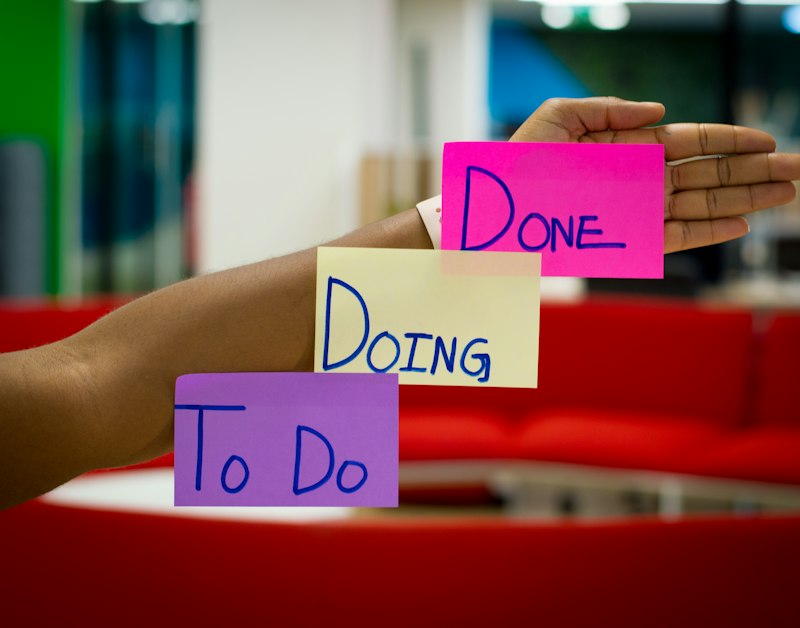
The best remote work apps fade into the background while amplifying your output
The Foundation Layer: Communication That Doesn’t Suck
Remote work lives or dies on communication, but most teams are drowning in it. The average remote worker checks Slack 150 times per day and spends 21% of their day in meetings. That’s not productivity — that’s performance theater.
The breakthrough came when I stopped treating all communication as urgent. Slack became async-first, with clear expectations about response times. For anything requiring immediate attention, we use a dedicated “urgent” channel that actually means urgent. Everything else can wait until the next communication batch, usually twice daily. This simple shift eliminated the constant context switching that was killing deep work sessions.
Notion has become the unexpected MVP for structured communication. Instead of endless Slack threads about project decisions, we write brief decision documents. The template is simple: what’s the decision, what are the options, what do we recommend, and what are the risks. People comment asynchronously, and decisions get made without scheduling yet another meeting. The side benefit is that six months later, when someone asks “why did we choose this approach,” the reasoning is documented instead of lost in someone’s memory.
For video communication, Loom replaced most of our screen-sharing meetings. Recording a 5-minute walkthrough of a feature or explaining a complex concept visually often communicates more effectively than a 30-minute live call. The recipient can watch at 1.5x speed, pause to take notes, and reference it later. It’s asynchronous communication that preserves the nuance of tone and visual context.

Task Management That Scales With Complexity
The productivity app graveyard is littered with abandoned Todoist setups and over-engineered Notion databases. The pattern is always the same: start simple, add complexity, spend more time managing the system than using it, abandon ship.
Linear changed how I think about task management by making the interface fast enough that adding tasks doesn’t feel like work. The keyboard shortcuts are intuitive, the search is instant, and creating tasks from anywhere (email, Slack, browser) takes seconds. But the real win is how it handles project context. Instead of dumping everything into a single inbox, tasks automatically inherit context from their project and team. When you’re working on the mobile app, you only see mobile app tasks unless you explicitly want the full view.
The breakthrough insight was treating task management like email triage rather than project planning. Most tasks are small, contextual, and time-sensitive. They don’t need elaborate categorization systems — they need to be captured quickly and surfaced at the right moment. Linear’s automatic prioritization based on deadlines, dependencies, and team workload means I spend less time organizing and more time executing.
For personal task management, I’ve settled on a hybrid approach using Apple Reminders for quick captures and time-sensitive items, with Linear handling anything that’s part of a larger project. The key is having a frictionless capture mechanism that works across all devices. If adding a task requires opening an app, finding the right project, and filling out multiple fields, it won’t happen consistently.
Focus Tools That Actually Protect Deep Work
The attention economy is designed to fragment your focus into profitable micro-moments. Remote work amplifies this problem because the boundaries between work and distraction are thinner when your office is also your entertainment center.
Cold Turkey Blocker became essential once I realized that willpower isn’t a sustainable strategy for avoiding distractions. The nuclear option — blocking all social media, news sites, and entertainment during work hours — felt extreme until I experienced what four hours of uninterrupted focus actually feels like. The productivity gains were immediate and measurable. Complex problems that used to take all day suddenly got solved in a single morning session.
The key insight is that most “quick checks” of social media or news aren’t actually quick. The visible time cost is 30 seconds, but the invisible cost is the 10-15 minutes it takes to regain deep focus. Blocking these sites entirely during work hours eliminates the decision fatigue of constantly resisting temptation.
RescueTime runs silently in the background, tracking exactly how time gets spent across all devices. The weekly reports are often sobering — revealing that what felt like a productive day actually included two hours of “research” that was really just browsing. But the real value isn’t the shame spiral; it’s the objective data about which activities correlate with high-output days. Turns out my most productive days involve less email, fewer meetings, and longer blocks of uninterrupted time in development tools.
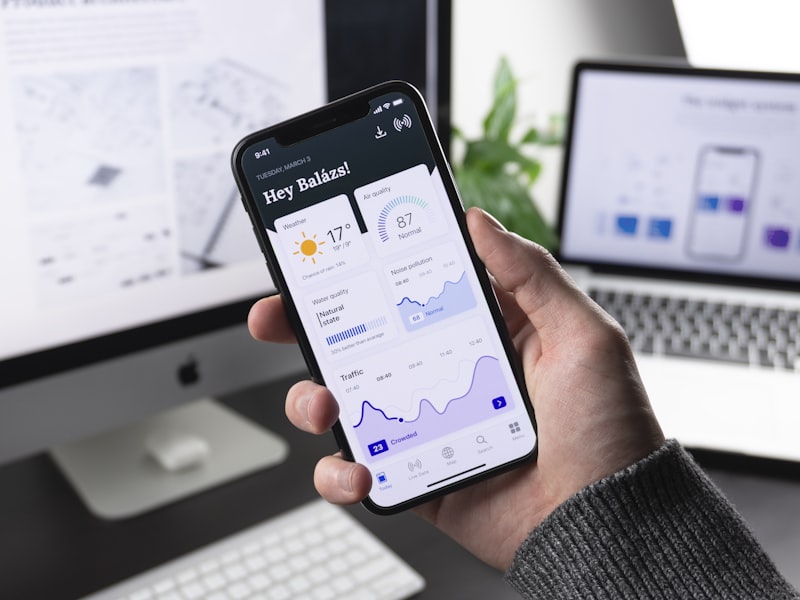
The best productivity setup is often the simplest one

Automation That Eliminates Busywork
The promise of automation is that it handles the boring stuff so you can focus on the interesting stuff. The reality is that most automation attempts create more complexity than they eliminate. The sweet spot is automating genuinely repetitive tasks that happen frequently enough to justify the setup time.
Zapier connections handle the mundane data movement between apps. When a new client signs up, their information automatically flows from the signup form to our CRM, project management tool, and billing system. When a support ticket gets marked as urgent, it creates a Slack notification and adds the issue to our daily standup agenda. These aren’t complex workflows — they’re simple if-this-then-that connections that eliminate manual copy-pasting.
The key is starting with pain points rather than possibilities. Instead of asking “what could I automate,” ask “what am I doing repeatedly that a computer could handle better.” Usually it’s data entry, file organization, or status updates. The automation that saves 10 minutes daily is more valuable than the clever workflow that saves an hour monthly.
Text expansion through TextExpander handles the smaller repetitions that add up over time. Email signatures, common code snippets, frequently used addresses, and standard responses to common questions all get shortened to a few keystrokes. The time savings per use is small, but the cumulative effect over thousands of uses is significant.
The Integration Challenge
The biggest productivity killer isn’t using the wrong apps — it’s using too many apps that don’t talk to each other. Context switching between tools creates friction that accumulates throughout the day. The solution isn’t finding one app that does everything (they’re all mediocre at most things), but finding apps that integrate smooth.
This winning combination connects naturally through APIs and shared data formats. Linear integrates with GitHub for automatic issue creation from code comments. Notion connects to Slack for sharing documents without leaving the conversation. Loom videos embed directly in project management tools for context-rich task descriptions. The tools fade into the background because the handoffs between them are smooth.
The test of a good productivity stack is whether you think about the tools while using them. If you’re constantly aware of which app you’re in or frustrated by switching between contexts, the friction is too high. The best remote work productivity apps 2025 are the ones you forget you’re using because they amplify your natural workflow instead of imposing their own structure.
After a year of experimentation, the lesson is clear: productivity comes from doing fewer things better, not from optimizing every micro-process. The apps that stick around are the ones that eliminate genuine friction without creating new complexity. Everything else is just productivity theater dressed up as efficiency.